
PA DOC Mugshots and Scope
Pennsylvania's corrections department is PA DOC, sometimes just DOC. Its public inmate locator has one narrow job. It finds state-sentenced inmates and parolees under DOC supervision. It is not an all-Pennsylvania arrest search. Its reach stops at state custody. County prisons hold many people after an arrest or while a case is pending. Those records stay with local custodians, so the locator skips county-jail detainees and anyone held by another state.
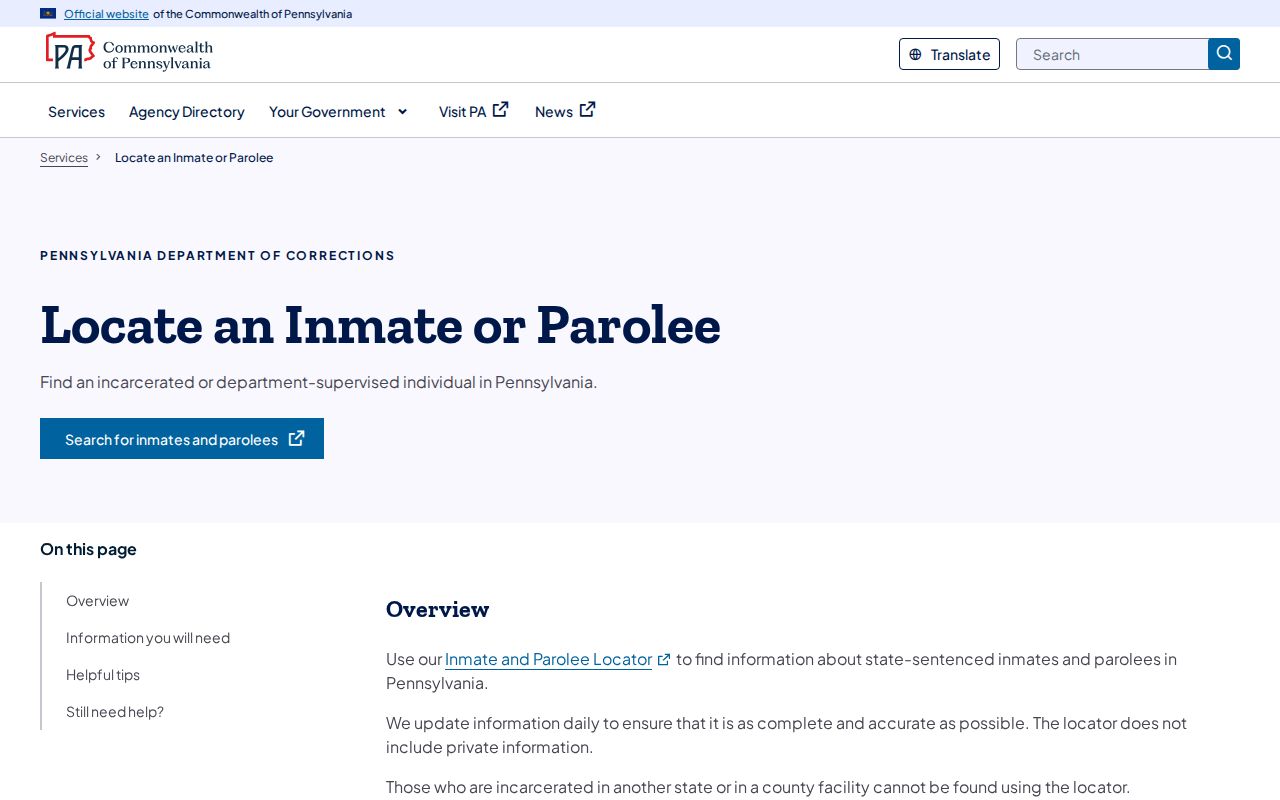
Start at the official Pennsylvania Department of Corrections agency page. That page links to the state's Locate an inmate or parolee service, which then opens the DOC Inmate Locator application. The chain matters. Direct application links change, but the service page stays the reliable way in. Use that first. From there, treat the live locator as the source for any name, number, photo, or custody detail you see.
A DOC profile photo is an institutional identification image. It looks like a mugshot. The role and source differ from a county intake photograph, though, and the picture may have been uploaded or refreshed at another point in custody. Never label it a county booking photo. The split matters after a transfer too. A county record describes the booking, while the DOC profile describes state custody or parole supervision. Both layers describe one person, not the same event. Note: the DOC itself warns that some locator data are self-reported and may be inaccurate or out of date.
Search PA DOC Profiles
Begin with the official PA DOC locator instructions, then follow the link to the live search. A last name or inmate number is required. A first name can narrow the result. The form offers more fields, but you can leave most blank. If the search stalls, the DOC has advice. Allow pop-ups, or try a different browser, because the locator runs as an application rather than a static list. Use a known DOC or parole number whenever you have one. With only a name, try first and last, then compare any county or location field that appears. Common names return multiple profiles. Spelling alone is not a match. Check the details before trusting the first result.
- Open the official DOC service page and choose the inmate or parolee locator.
- Enter the last name or inmate number. Add first or middle name and other filters only when you know them.
- Review the results list for matching identifiers, then open the profile rather than relying on the name alone.
- Check the image, photo date, location, status, and any displayed release date as separate fields.
- Record the search date and verify an important detail with DOC, the supervising office, or the court that holds the case.
The state DOC help page spells out the search scope and notes that the locator's data updates daily. It marks the entry point only.
The live DOC locator screenshot shows the search form and its disclaimer before any profile is selected. No face or personal result appears.
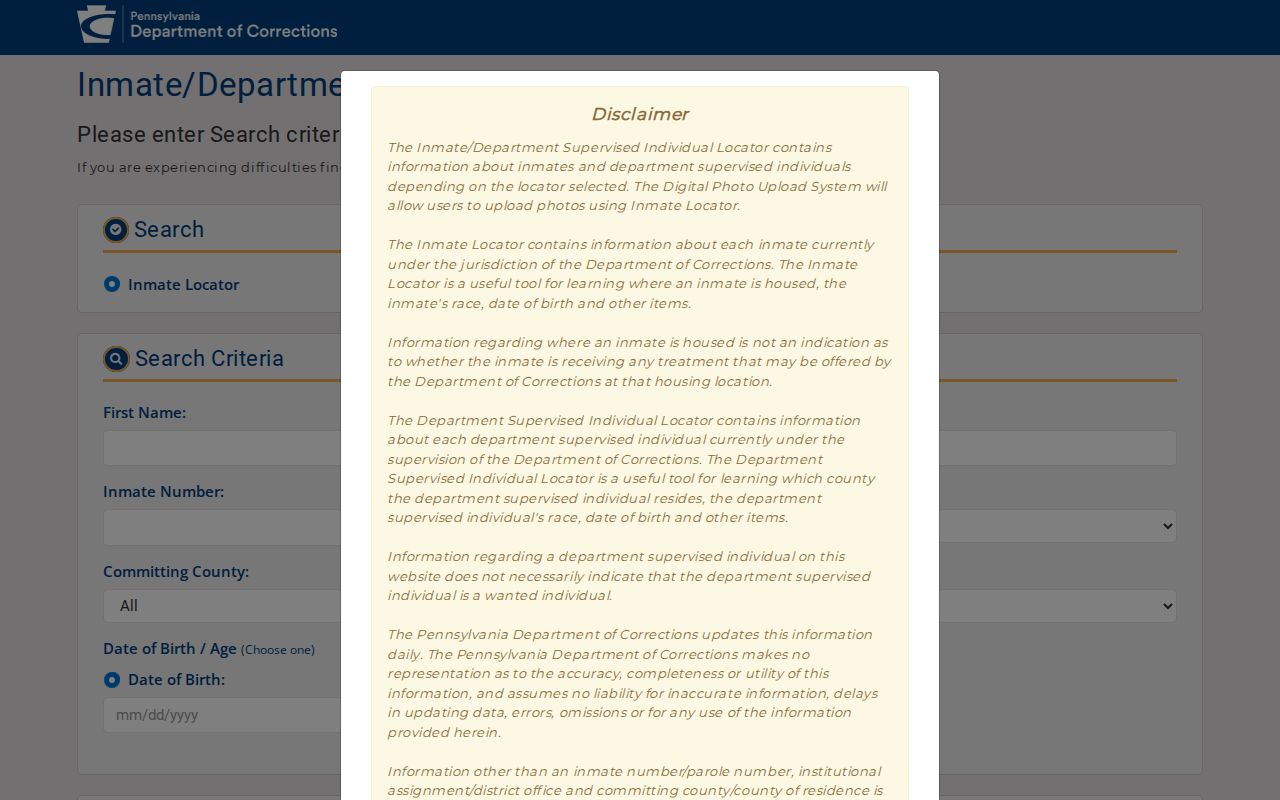
These fields are search options. They do not promise that every match will include a photograph or each requested detail.
Read a PA DOC Profile
A profile can mix identity, supervision, custody, and photo details. The fields depend on what the public result holds. Treat the form's options as criteria. They are not a promise that every item will appear on every profile. The locator's data model and public interface include a photo layer. Some profiles also carry a photo date.
| Field or detail | What it can tell you |
|---|---|
| Inmate number | A DOC identifier that can narrow a name search and help distinguish people with similar names. |
| Parole number | An identifier for a person in the parolee search path, where that value is available. |
| Name fields | First, middle, and last name fields can help find a match; a name alone may not be unique. |
| Photo and photo date | An identification image may appear with a date. The date is useful context, but it is not a published guarantee of a refresh schedule. |
| Location or county | May help show where the person is housed or where a parolee is associated, depending on the returned profile. |
| Status or release date | May show custody or supervision information. A displayed date does not establish present custody without a current check. |
| County | A county filter can narrow the result set where the locator offers it. |
| Citizenship and sex | Additional profile search filters shown in the application; these are not proof of identity on their own. |
| Age or date of birth | Optional search criteria that may help distinguish similar names when the user knows the correct value. |
| Sort options | Display order can be changed; sorting does not change the scope or meaning of the records. |
Read the whole profile in context. A county selection in the search tool does not turn the source into a county jail roster. It stays a DOC record. A listed location is not a court finding. An image does not settle current legal status. When fields conflict, go to the source agency's current information. The court docket is the place for case posture. The Unified Judicial System Case Search can look up participant names, docket numbers, organizations, OTN values, and police incident or complaint numbers, depending on the screen. Dockets may show complaints, hearings, bail, pleas, and dispositions. They are not a full criminal-history report or photo service, and recent, juvenile, sealed, limited-access, expunged, or not-yet-posted material may lag or be absent. The UJS case search page screenshot shows a court lookup interface, not an offender-photo tool. It offers a separate route to a case's public record.
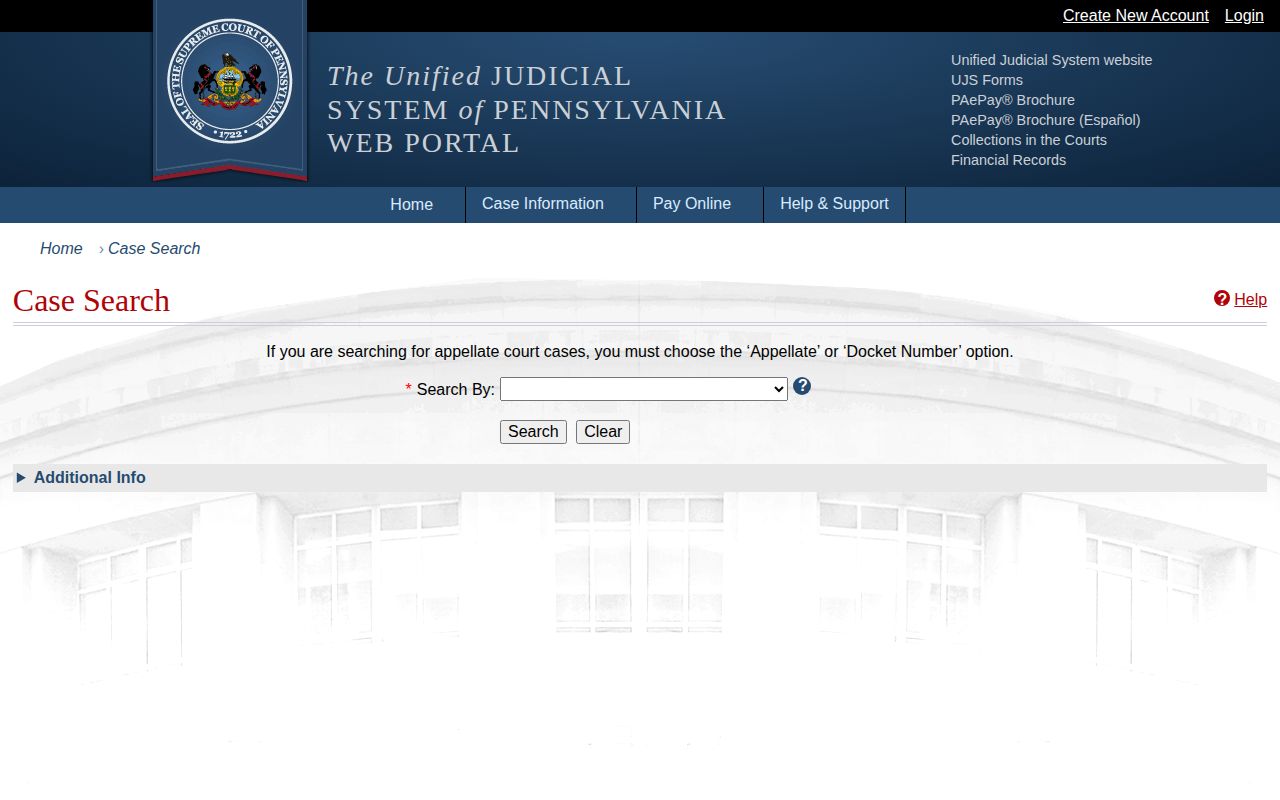
A docket can clarify how a case ended. The DOC profile, by contrast, describes state custody or parole supervision.
PA DOC Photo Dates and Updates
The DOC updates its locator data every day. That refresh covers the whole system. It is not a photo schedule. Nothing in the public instructions promises that every profile carries an image, that every parolee has a current one, or that a picture gets replaced after any particular event.
Some profiles display a photo date. That date is the best visible clue to the image's timing. Take it exactly as shown. Stretching it into a broader policy would be a mistake. The locator's own application code mentions a Digital Photo Upload System, yet the public configuration shows the upload flag set to false. No official source states a universal replacement trigger or interval. The honest summary stays narrow: the data refresh daily, some profiles show a photo and its date, and no public rule governs photo changes.
People who leave custody can disappear from view too. DOC does not promise permanent public access to every former inmate or discharged parolee. A profile can drop out of the locator's public scope. Then the photograph stops loading. A missing result does not mean the person was never in DOC custody. A third-party copy may also linger after the official profile changes. That copy says nothing about current status.
Parole profiles deserve similar care. A parole entry reflects DOC supervision, nothing more. It is not an automatic warrant or a new arrest. An absconder notice, where one exists, comes from its own official source. Do not read a routine profile as a wanted notice. Never approach someone because of an online record.
For application help, DOC lists ra-contactdoc@pa.gov. Include enough detail to identify the search problem. Hold back sensitive material unless the agency requests it through a verified channel.
Daily PA DOC Search Scope
Pennsylvania's daily locator searches statewide. It covers state-sentenced inmates and parolees under DOC supervision. It is not a county jail feed, and it does not reach people held in another state. Knowing that boundary points you to the right source. For a fresh arrest or someone awaiting a county case, go to the county prison, sheriff, or arresting police agency. Publication rules differ across Pennsylvania counties. One county may offer a photo-visible roster; another may give a name-only table, a custody alert, a dated file, a phone route, or nothing at the person level. The County Directory routes you to those local systems. A DOC profile cannot fill a county gap, since the two systems describe different custody stages.
Federal BOP Locator Has No Photo
Federal records sit on a separate shelf. The Federal Bureau of Prisons locator covers people in federal custody from 1982 forward. Searches run on name, register number, and similar details. Results may list age, race, sex, release date, and location. There is no photo field. The BOP records explanation notes daily updates and clarifies that a released or not-in-custody result simply means no BOP facility is listed. That result does not mean no other record exists. The ICE detainee locator works from an A-number or exact biographical details for qualifying current immigration custody. Juveniles are excluded. Neither tool doubles as a Pennsylvania county roster or a PA DOC profile. The BOP locator page shows a federal search form with its own custody path, and its public search offers no mugshot field.
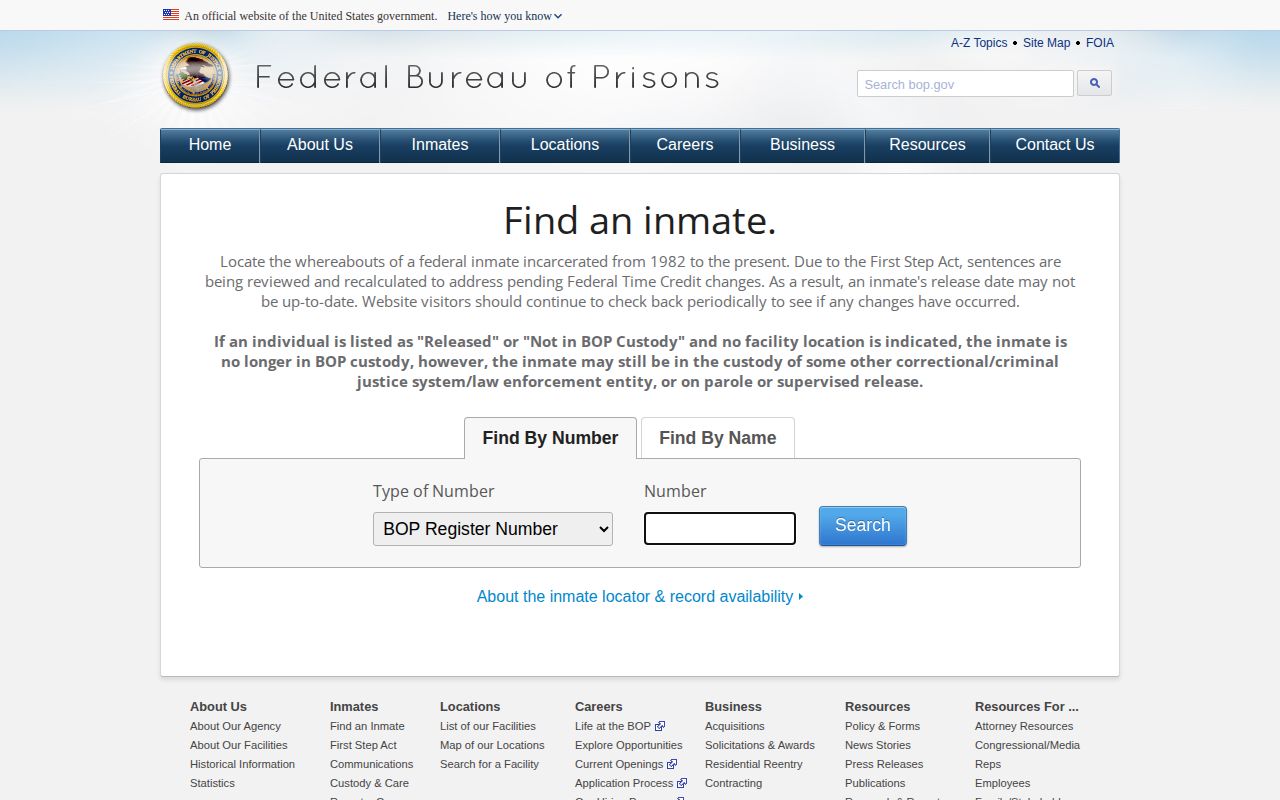
Verify federal results at BOP, not through a DOC search.
DOC Photos vs County Bookings
A PA DOC photo and a county booking image can look alike. Both are identification pictures. They answer different questions, though. Source, timing, public access, and meaning all differ. Pennsylvania has no single statewide public booking-photo database. Local intake material stays a county-by-county matter. The contrast shows up fast at the county level. The Adams County jail search can display intake or release details with an image. The Cumberland County current listing is timestamped but shows no public photo layer. Neither result changes the scope of the PA DOC locator.
| Record layer | Who it covers | What the image or result means |
|---|---|---|
| County booking or jail record | People arrested, booked, held, or released through a local system | Local fields and photo access depend on the county and the record custodian. A booking is not a conviction. |
| PA DOC locator | State-sentenced inmates and parolees under DOC supervision | A profile may show a DOC identification photo and photo date. It is not necessarily the original county booking image. |
| UJS docket | Cases and court events within the public search system | Helps trace case posture and disposition; it is not a custody roster or photo source. |
| BOP or ICE locator | People in federal prison or immigration custody, respectively | Separate federal systems, outside the PA DOC locator’s state scope. |
Was the person arrested recently? Start with the County Directory and the county's official roster or records path. A state sentence or active parole points to PA DOC instead. Wondering whether a charge ended in a conviction, dismissal, or another outcome? That question belongs to the court docket. A DOC release date does not mean the person sits in a county jail right now. A transfer from county to state custody shifts which source holds the current record. Even records tied to the same case can stay separate. Use the County Directory for local booking systems. Each county page is a route to official sources. No county is obligated to publish photos online.
Request PA DOC Records
Want a record from the Department of Corrections? The agency's page offers a Right-to-Know request route among its public information resources. Exceptions exist, though. The RTKL presumes most state and local records are open. But an exception, another law, a privilege, or a court order can still block release. Photos are not automatically included. The Criminal History Record Information Act (CHRIA), 18 Pa.C.S. §§ 9101–9183 can also limit a DOC record. Rules protecting privacy, investigations, medical data, victims, security, and institutional safety matter too. The state Supreme Court's Mezzacappa v. Northampton County decision shows how CHRIA can shape a request for a government-held mugshot.
Narrow requests work best. Name the person, plus the inmate number if known. Add the facility or supervising office and the approximate date. For a photo, describe the identification or booking image. Then name the event that pins it down. Ask the custodian to state the legal basis for any denial or redaction.
- Use the DOC agency page to find its current Right-to-Know request instructions.
- Describe a specific existing record and include identifiers that help staff locate it.
- Follow the agency’s posted request method and fee rules. The research found no statewide photo-specific fee or turnaround promise.
- If the response is denied or incomplete, review the written reasons and use the Office of Open Records appeal path when the RTKL allows it.
The Office of Open Records posts a standard RTKL request form with instructions. Its Right-to-Know overview walks through filing and appeals. The form is only a start. A DOC request still goes to the custodian the agency names. The OOR's general explanation of public-record access does not promise that every DOC image gets released. Another law or exemption may still control.
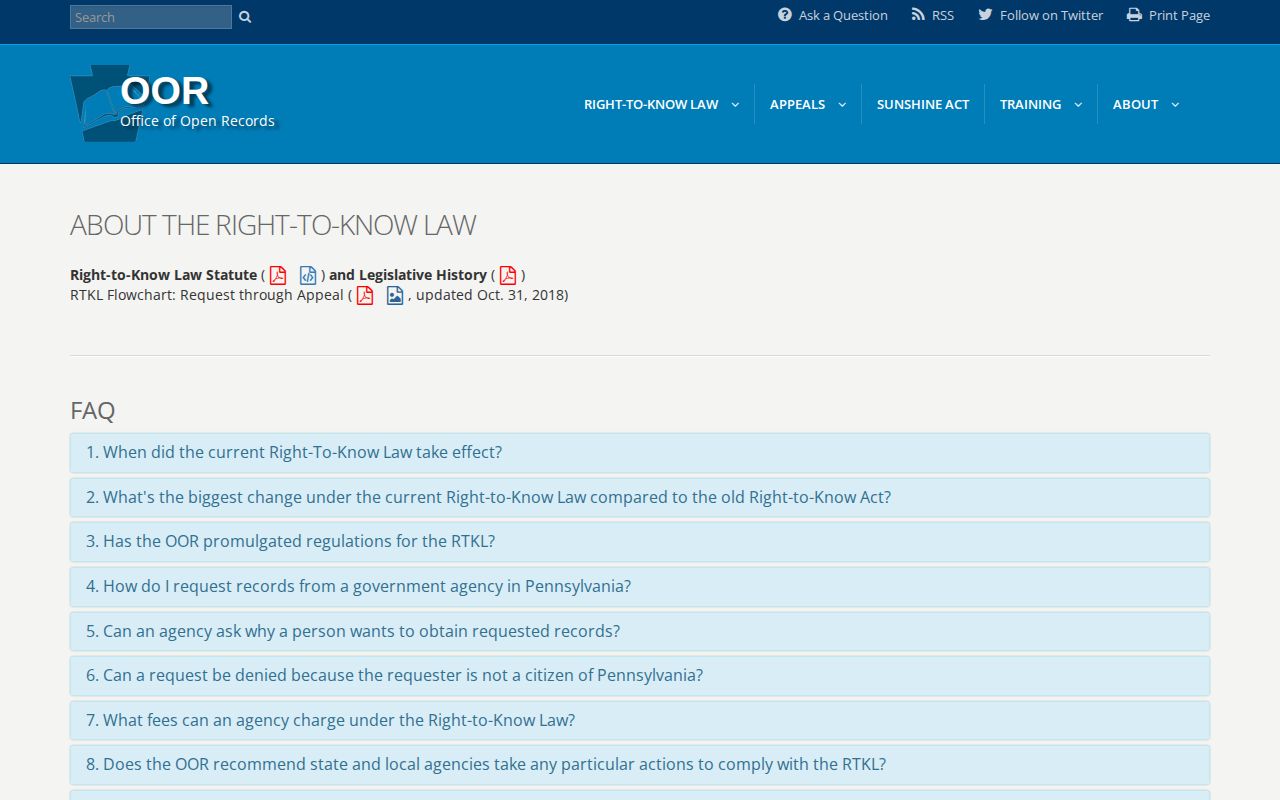
Read the OOR's older inmate-photograph advisory alongside the state Supreme Court's April 25, 2025 decision in Mezzacappa v. Northampton County. Old advisories do not settle every case. Ask for a record the custodian may lawfully disclose. The Court held that a mugshot counts as an identifiable description under CHRIA. Under the statutory scheme at issue, the RTKL did not force the prison to release the requested photographs. That is not a blanket ban. Private publishers can still display arrest images.
Need help with the general DOC locator? Email ra-contactdoc@pa.gov. A formal record request takes the agency's current RTKL route, not a casual email inquiry.